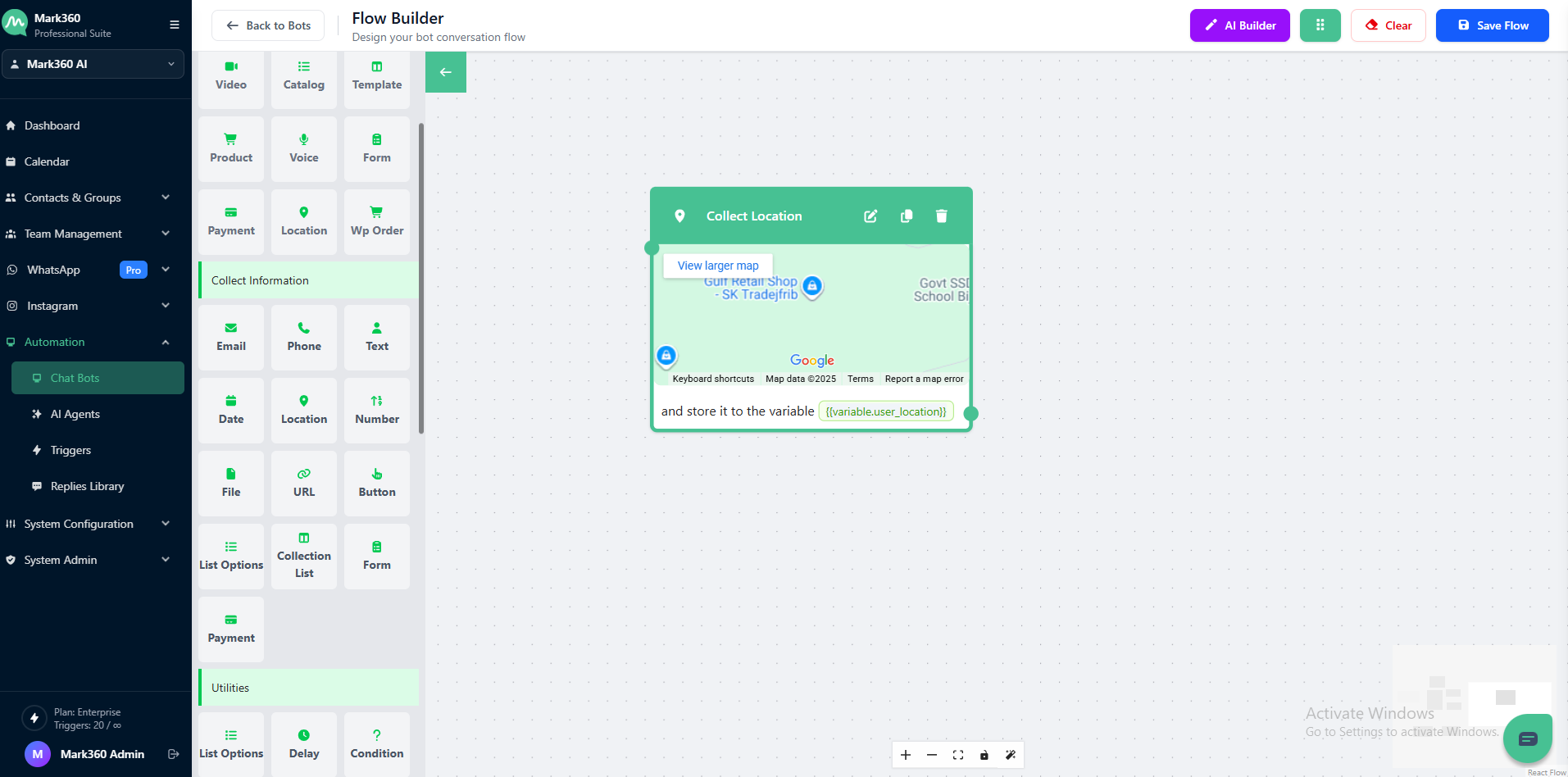
Collect Location
Use the Collect Location card in Mark360 to request your users’ geographical location during a conversation. This feature helps your bot gather accurate latitude and longitude coordinates, which can be used for service delivery, regional insights, or location-based automation.
Overview
The Collect Location card prompts users to share their current location directly — ensuring you capture coordinates rather than a manually typed address.
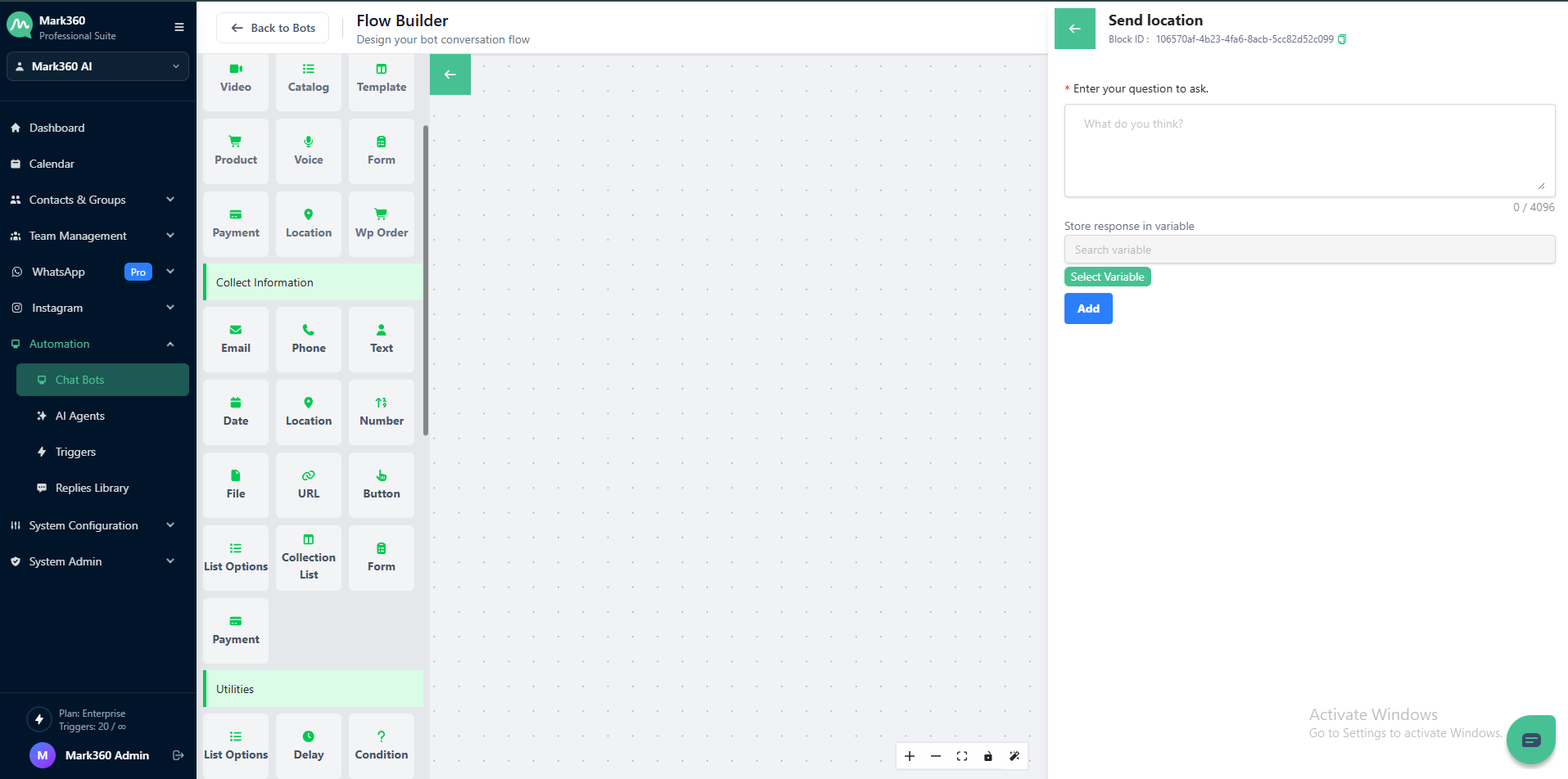
Enter Your Question to Ask
This is the message or prompt that appears to the user.
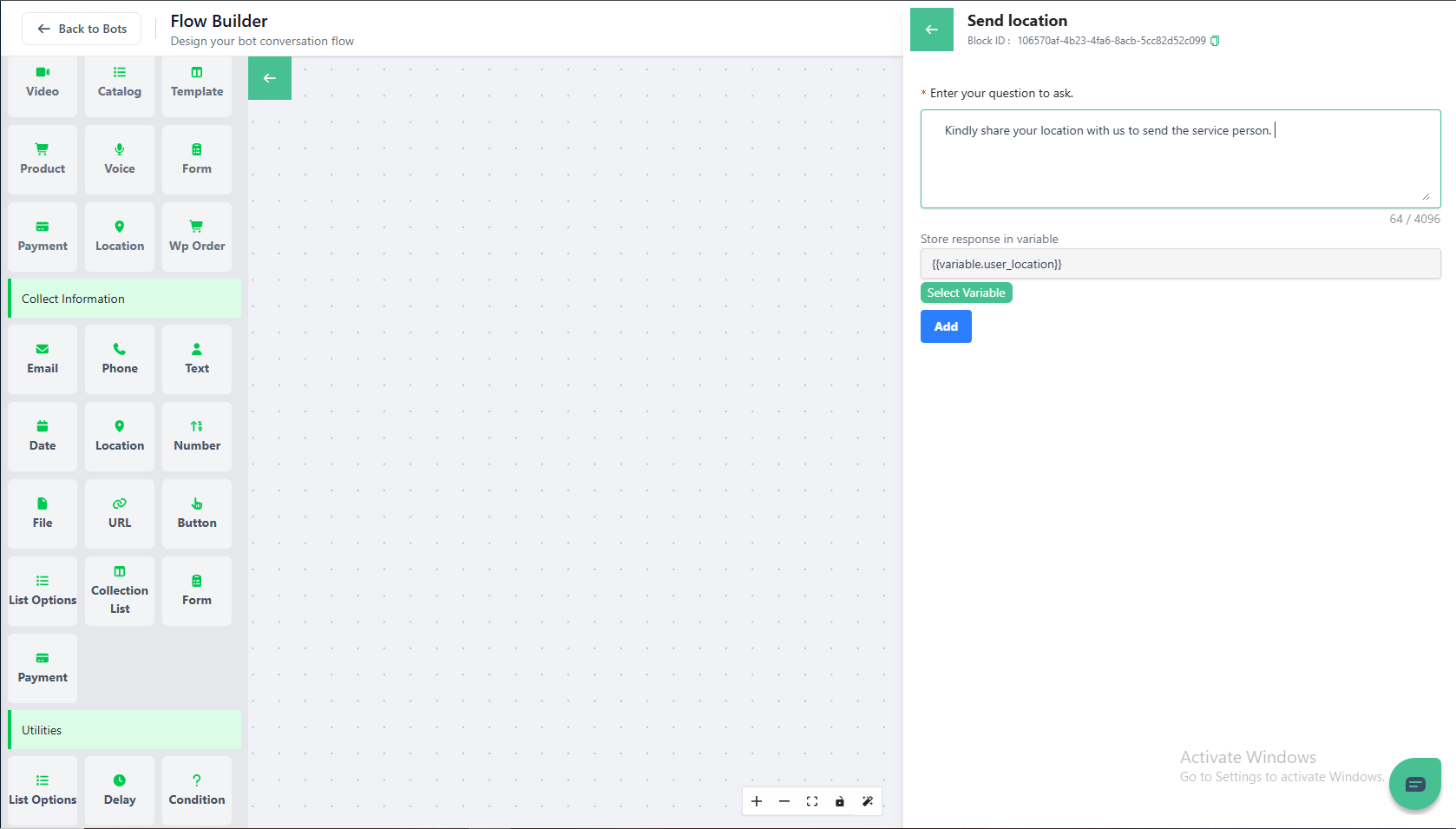
💬 Example: “ Kindly share your location with us to send the service person.”
Store Response in Variable
You can store the location data (latitude and longitude) in a variable for later use in your bot flow.
- Create a new variable by typing the name into the input box.
- If it’s your first time creating a variable, you’ll see an option to Create “Variable Name” — simply click to add it.
- You can also select an existing variable from the dropdown list.
💡 Example Variable:
user_location
This makes it easy to use the location data later — for example, to find the nearest branch, verify delivery zones, or personalize communication.
Saving Your Configuration
Once all required fields are configured — including your question text and storage variable — click on Add to activate the Collect Location step in your bot flow.
🌐 Pro Tip: The Collect Location card in Mark360 ensures precise, real-time location data capture, improving delivery accuracy and user experience in location-dependent workflows.
In Mark360 Bot Interface: